The Extreme Shock
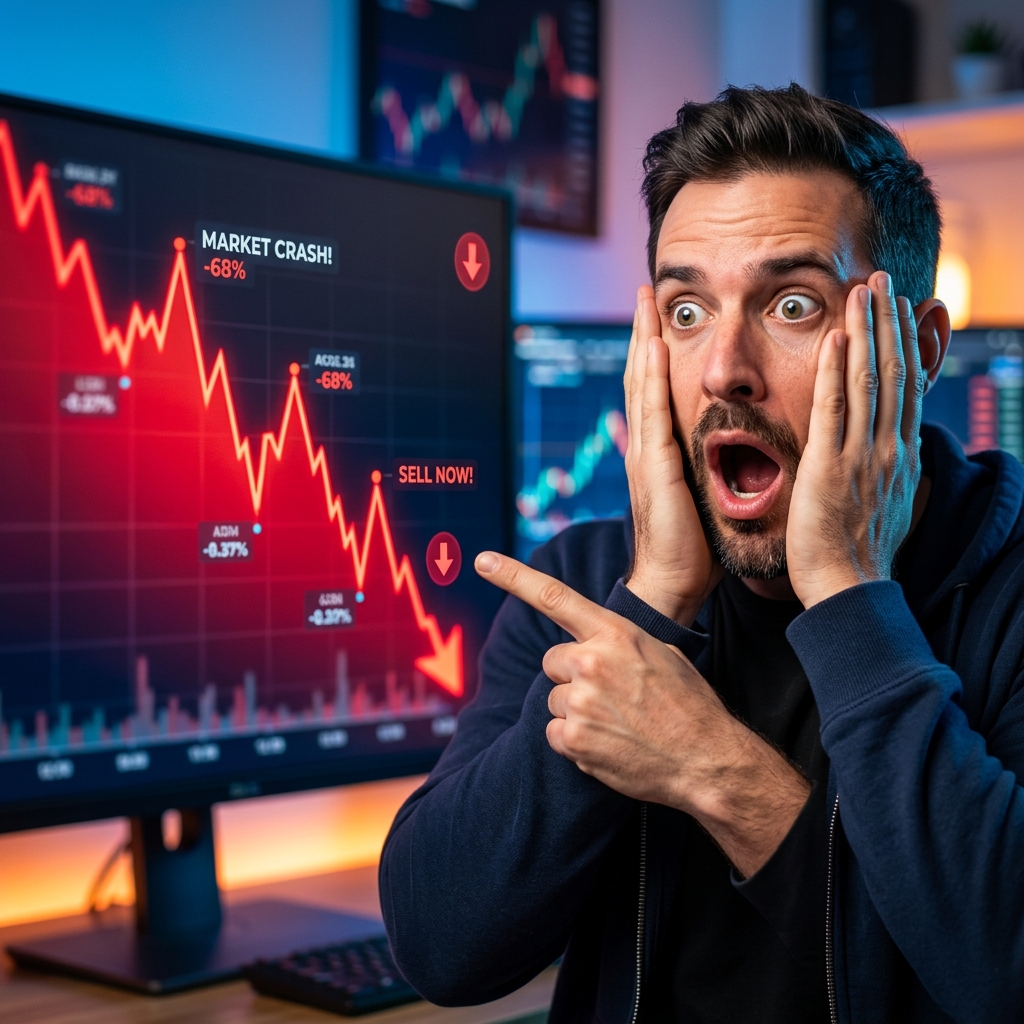
Emotion & Faces
Human faces expressing intense shock trigger empathy and immediate clicks.
- Face takes up 30-40% of the thumbnail
- Exaggerate the expression
- Eyes clearly visible and looking at the focal point
"Creator looking terrified while pointing at a falling graph."
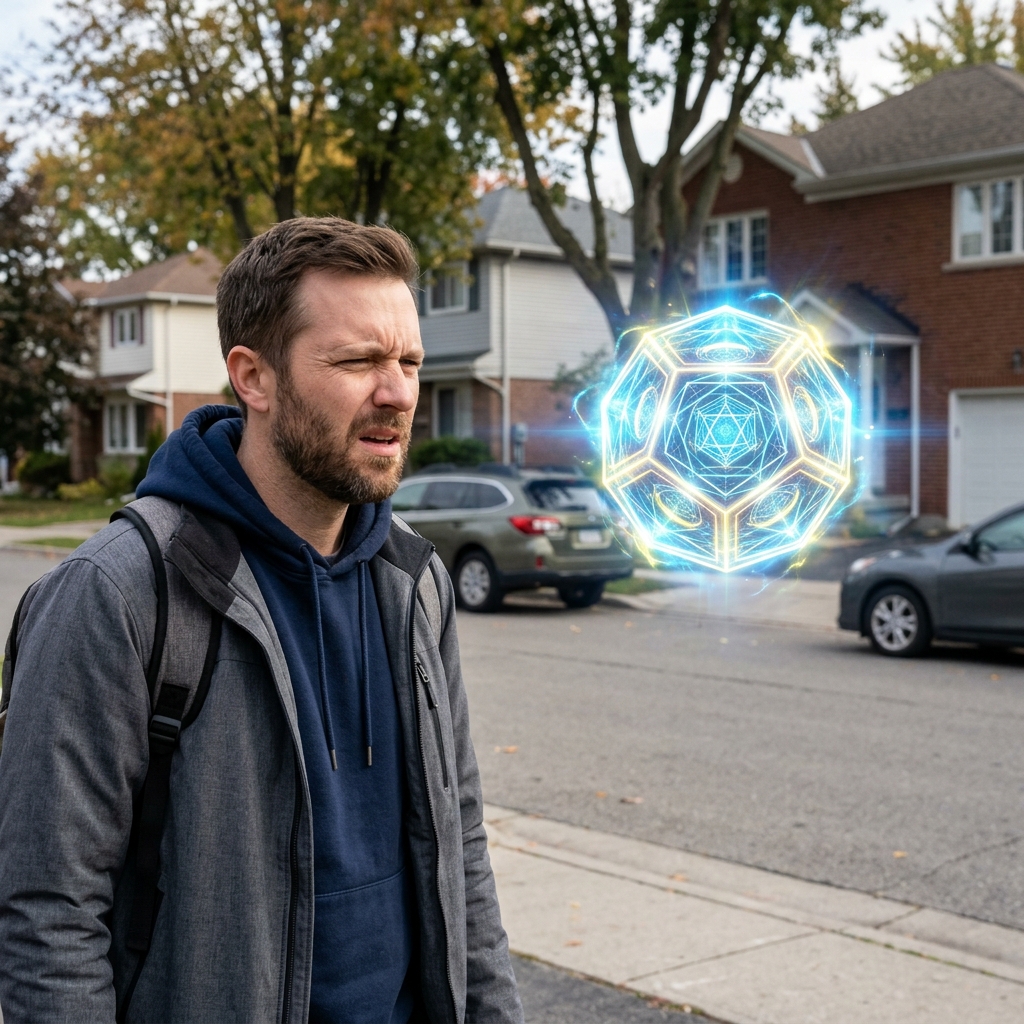
The Confused Squint
Emotion & Faces
A confused face signals to the viewer that something doesn't make sense, inviting them to figure it out.
- Furrowed brows, slight squint
- Looking at an impossible object
- Subtle question mark graphic
"Creator squinting at a bizarre, glowing orb in the middle of the street."
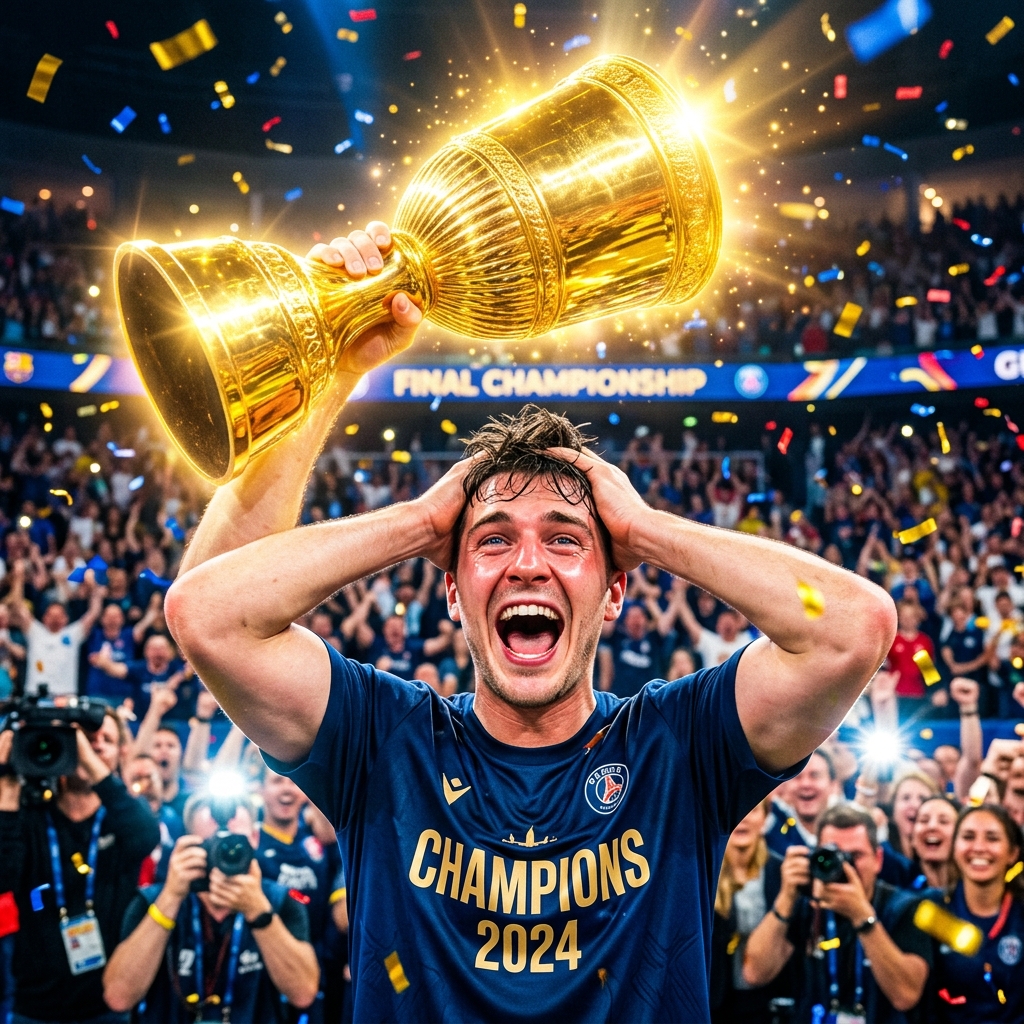
The Unbelievable Joy
Emotion & Faces
Pure, ecstatic joy implies a massive payoff or reward that the viewer wants to experience.
- Wide open mouth, hands on head
- Bright, warm lighting
- Subject holding the "prize"
"Creator holding a massive gold play button, crying tears of joy."
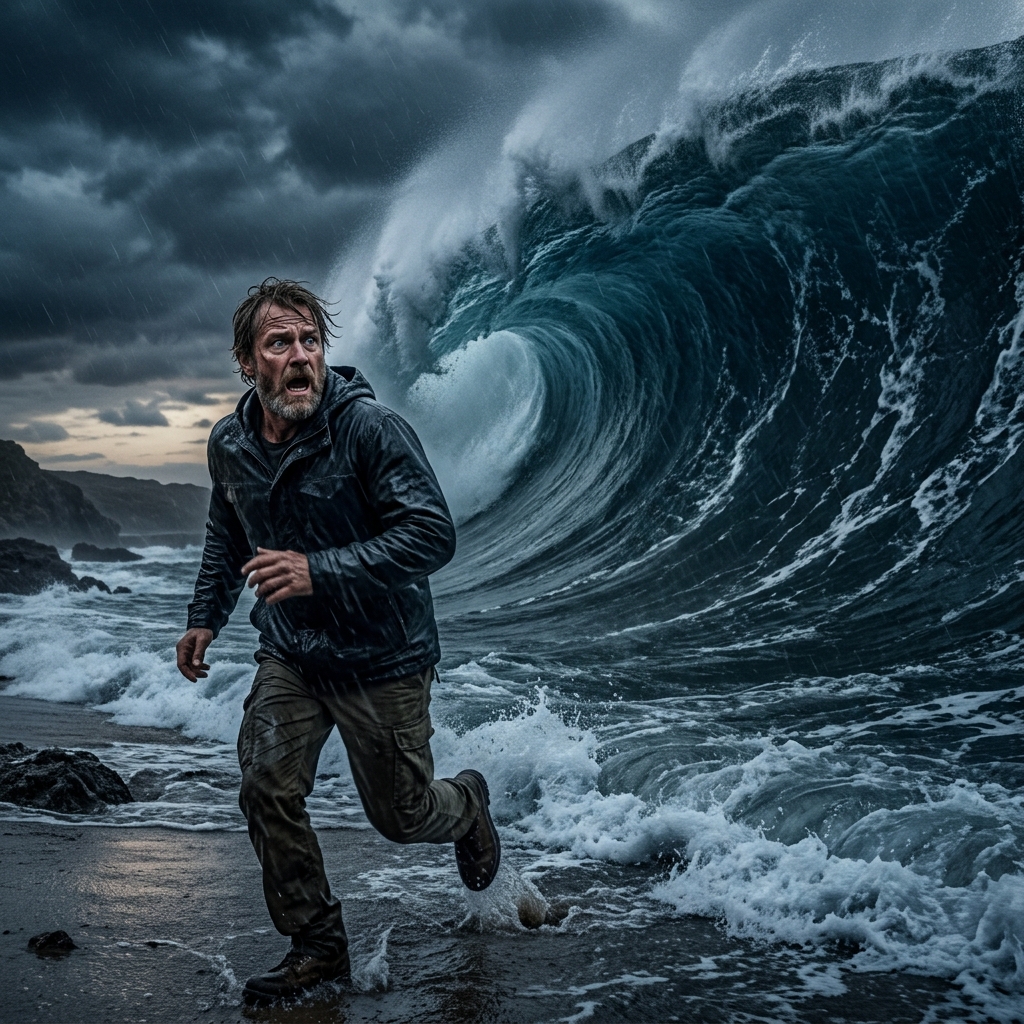
Impending Doom
Emotion & Faces
Fear is the strongest human emotion. Show the moment right before disaster.
- Sweat or shadow on the face
- Object of fear looming in the background
- Desaturated colors around the threat
"Creator looking back in terror at a massive wave about to crash."
The Disgust Reaction
Emotion & Faces
Morbid curiosity drives clicks when viewers see extreme disgust.
- Wrinkled nose, pulling away
- Blurry "gross" object in foreground
- High contrast between face and object
"Holding a mysterious, slimy fast-food item at arm's length."
The Curious Question
Curiosity & Mystery
Ask a question visually that can only be answered by clicking the video.
- Show an impossible or strange scenario
- Use text like "I tried..." or "What happens if..."
- Keep the resolution hidden
"Holding a glowing rock with a text overlay: "Is this safe?""
The Blurred Reveal
Curiosity & Mystery
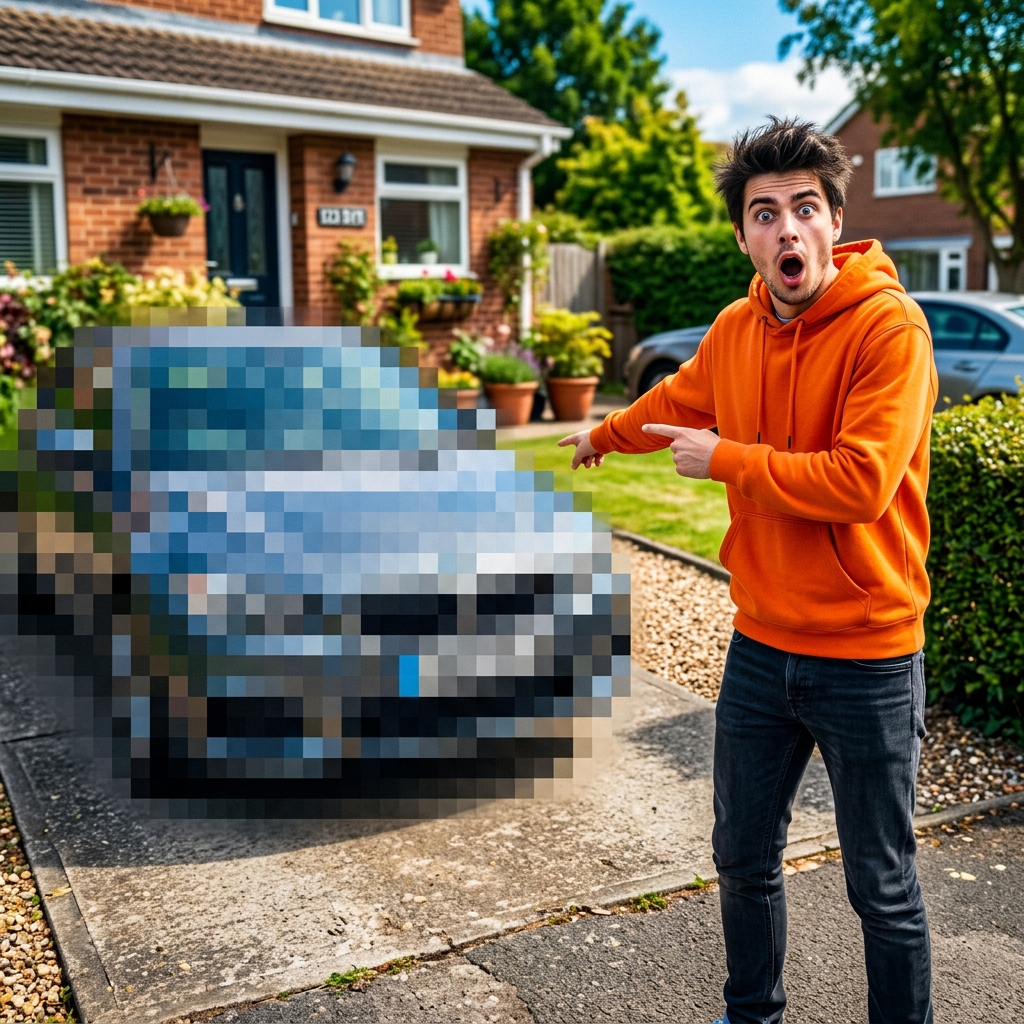
Blur the most important element to force a click to see what it is.
- Heavy gaussian blur on the main subject
- Clear reaction face
- Arrow pointing to the blurred object
"Creator looking shocked, pointing at a heavily pixelated car."
The Impossible Object
Curiosity & Mystery
Show something that breaks the laws of physics or logic.
- Photorealistic rendering of the impossible
- No text needed
- Clean, simple background
"A perfectly square apple sitting on a table."
The Mysterious Silhouette
Curiosity & Mystery
Use a shadow or silhouette to tease a famous person or special item.
- Pitch black silhouette
- Glowing backlight
- Question mark overlay
"A glowing silhouette of a recognizable celebrity (like Elon Musk) holding a mysterious box."
The Interrupted Process
Curiosity & Mystery
Show an action frozen right before completion.
- Action shot
- Tension in the subject
- Implied immediate consequence
"A hammer one inch away from smashing a brand new iPhone."
The High Contrast
Contrast & Composition
Use extreme visual contrast to make the subject pop out from the background.
- Bright foreground subject vs dark/muted background
- Saturate primary colors (reds, yellows, blues)
- High contrast borders around text or subjects
"A bright glowing red arrow pointing at a dark shadow figure."
Extreme Scale Difference
Contrast & Composition
Juxtapose something massive with something tiny.
- Forced perspective
- Clear size reference (like a coin or person)
- Dramatic lighting
"A tiny human standing next to a 100-foot tall hamburger."
The Color Pop (Pleasantville Effect)
Contrast & Composition
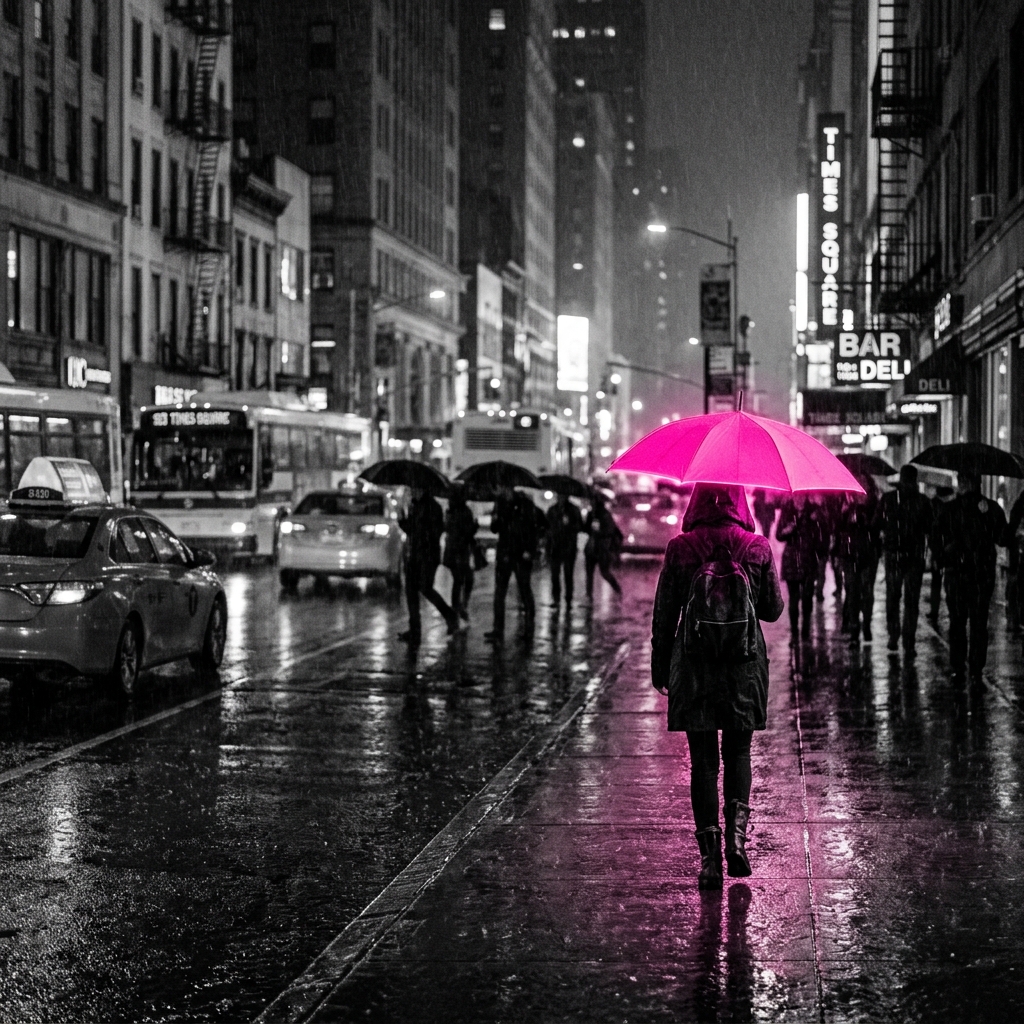
Make the entire thumbnail black and white except for one crucial, highly saturated element.
- Desaturate background to 0%
- Push target object saturation to 150%
- Use neon/vibrant hues for the pop
"A black and white street scene with one glowing, neon pink briefcase."
Arrow & Circle
Contrast & Composition
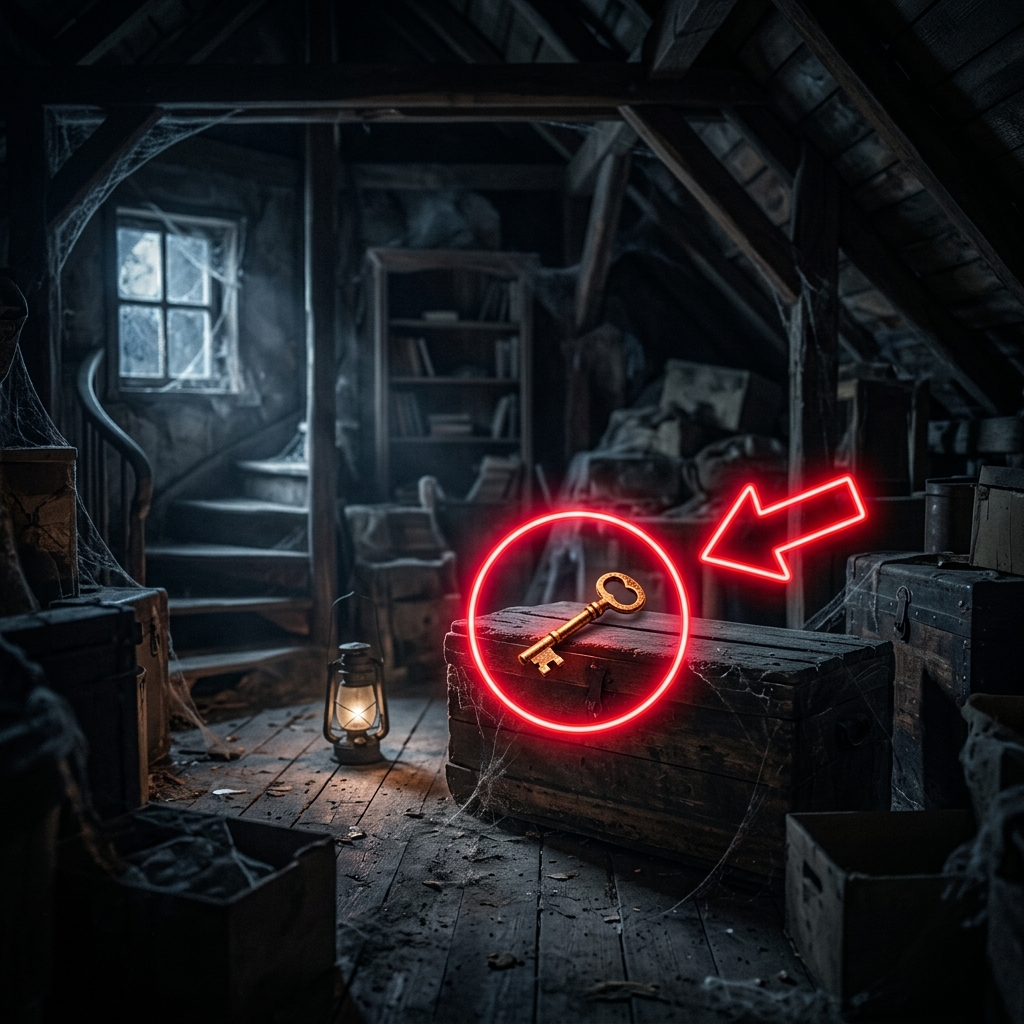
Direct the viewer's eye exactly where you want it to go.
- Use bright red or neon green arrows
- Circle an easily missed, but important detail
- Keep it simple; no more than one arrow/circle
"A red circle around a hidden detail in a movie scene with an arrow pointing to it."
The 50/50 Split
Contrast & Composition
Divide the thumbnail perfectly in half to compare two starkly different things.
- Hard dividing line (white or black)
- Symmetrical composition
- Contrasting color palettes on each side
"$1 Setup (dark, messy) vs $10,000 Setup (bright, clean)."
Before & After
Story & Narrative
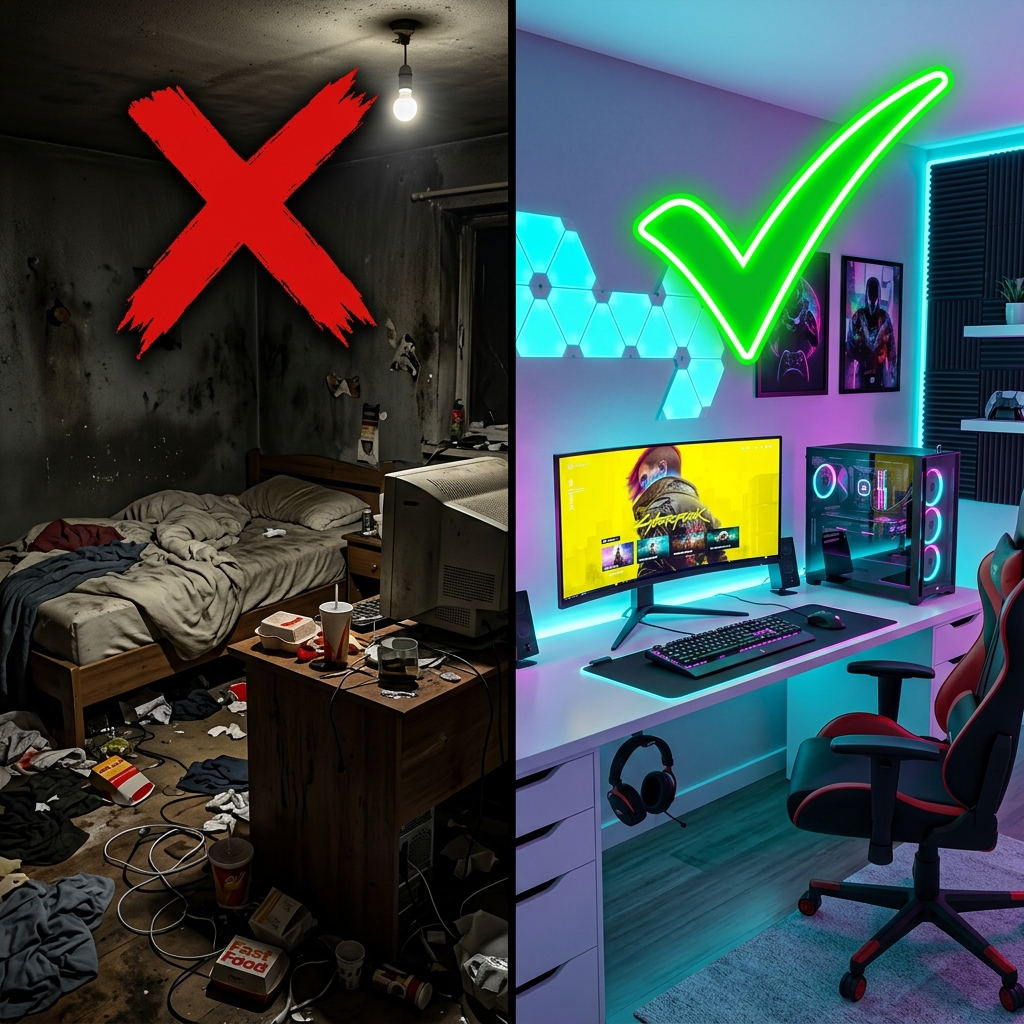
Show a massive transformation. The brain naturally wants to know the "how".
- Split the screen 50/50
- Make the "Before" look terrible and "After" look amazing
- Red X on the left, Green Check on the right
"A messy, dirty room vs. a pristine gaming setup."
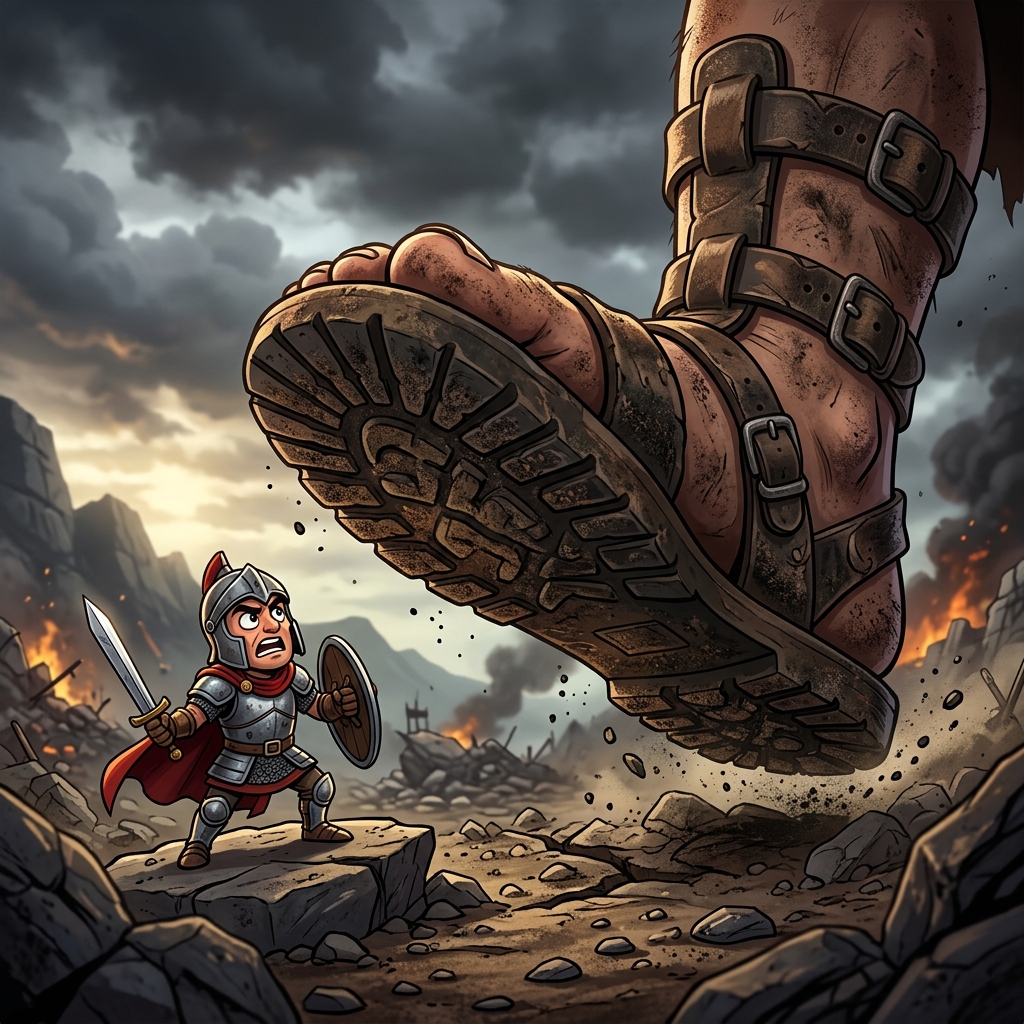
David vs Goliath
Story & Narrative
Frame the video as a battle between two unequal forces.
- "VS" text in the middle
- Underdog on the left, Giant on the right
- Aggressive or competitive body language
"A tiny indie game character vs a massive AAA studio logo."
The 3-Step Progression
Story & Narrative
Show a sequence of events leading to a crazy result.
- Three distinct panels
- Left to right reading path
- Escalating absurdity or value
"Panel 1: Seed. Panel 2: Sapling. Panel 3: Giant glowing tree."
The Fatal Flaw
Story & Narrative
Highlight a common mistake the viewer might be making.
- Big red "X" over a common action
- Creator looking disappointed
- Text: "Stop Doing This"
"A big red X over someone drinking water the "wrong" way."
The Hidden Secret
Story & Narrative
Imply you are revealing forbidden or hidden knowledge.
- Creator shushing the camera
- A blurred document or vault
- Dark, conspiratorial lighting
"Creator whispering, pointing at a glowing folder labeled "TOP SECRET"."
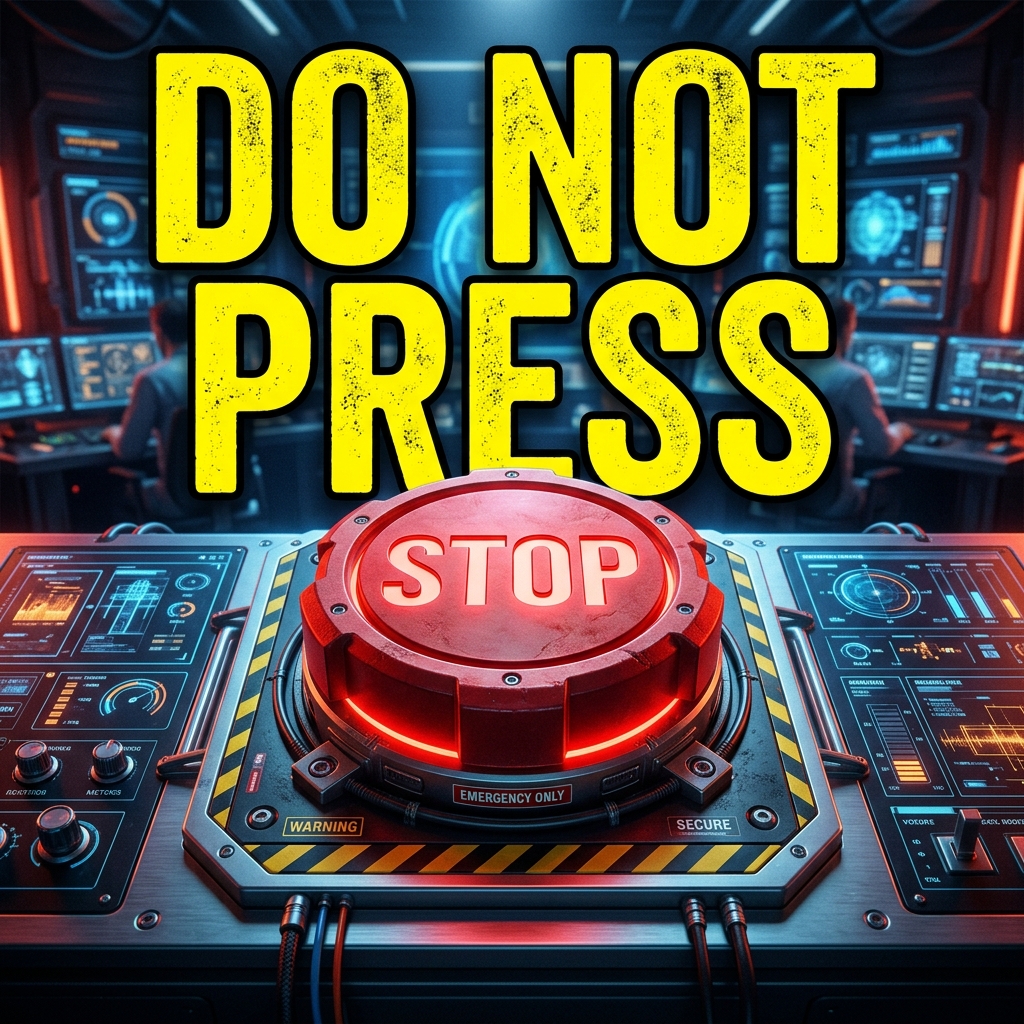
The 3-Word Rule
Text & Typography
Keep text to 3 words or less. It should complement the image, not describe it.
- Massive, bold font (e.g., Impact, Montserrat Black)
- High contrast text color (Yellow/White on Dark)
- Place text in the top left or bottom center
"Text: "DO NOT CLICK" over a red button."
The Big Number
Text & Typography
Use a massive number to establish scale, value, or time.
- Number takes up 20% of the screen
- Use commas for large numbers
- Neon glow behind the number
"Text: "1,000,000" floating above a pile of pennies."
The Speech Bubble
Text & Typography
Use a comic-style speech bubble to give a character a voice.
- Short, punchy dialogue
- Tail of the bubble pointing directly to the mouth
- Bold comic-style font
"A dog with a speech bubble saying: "I know what you did.""
The Crossed-Out Truth
Text & Typography
Write a common belief, cross it out, and write the new truth.
- Messy, hand-drawn red line through the first word
- Bright green for the correction
- Simple background
""HARD WORK" crossed out, replaced with "LEVERAGE"."
The Outrageous Quote
Text & Typography
Use a direct quote that is so unbelievable it forces a click.
- Quotation marks
- Attributed to a famous face in the thumbnail
- Yellow text for emphasis
"Elon Musk face. Text: "I am deleting Twitter." "
The Exponential Chart
Authority & Proof
Show a graph that goes extremely high or extremely low.
- Thick, glowing trend line
- Green for up, Red for down
- Remove axis numbers to simplify
"A green line shooting straight up past the top of the thumbnail."
The Brand Piggyback
Authority & Proof
Leverage the recognizability of massive brands.
- Use the exact brand logo/colors
- Place the logo prominently
- Show the brand being altered or challenged
"The Apple logo, but with a massive crack through it."
The Money Shot
Authority & Proof
Show tangible proof of wealth or earnings to build instant credibility.
- Screenshot of an actual dashboard (Shopify/Stripe)
- Blur out sensitive info
- Highlight the total number
"A Stripe dashboard showing $50,214.00 with a green glowing circle around it."
The Expert Uniform
Authority & Proof
Wear clothing or hold items that instantly establish authority.
- Lab coat, stethoscope, or suit
- Clean, professional lighting
- Serious, confident expression
"A creator in a white lab coat holding a glowing test tube."
The Verification Badge
Authority & Proof
Use social proof symbols (like the blue check) to signal importance.
- Oversized verification badge
- Next to a face or brand
- Slight glow effect
"A regular person's face with a massive blue checkmark floating next to it."
The Single Object
Minimalism
Remove all distractions. Just one object on a solid background.
- Solid, bright color background (Yellow/Blue)
- High-resolution hero object
- Drop shadow to create depth
"A single, perfectly lit airpod on a bright yellow background."
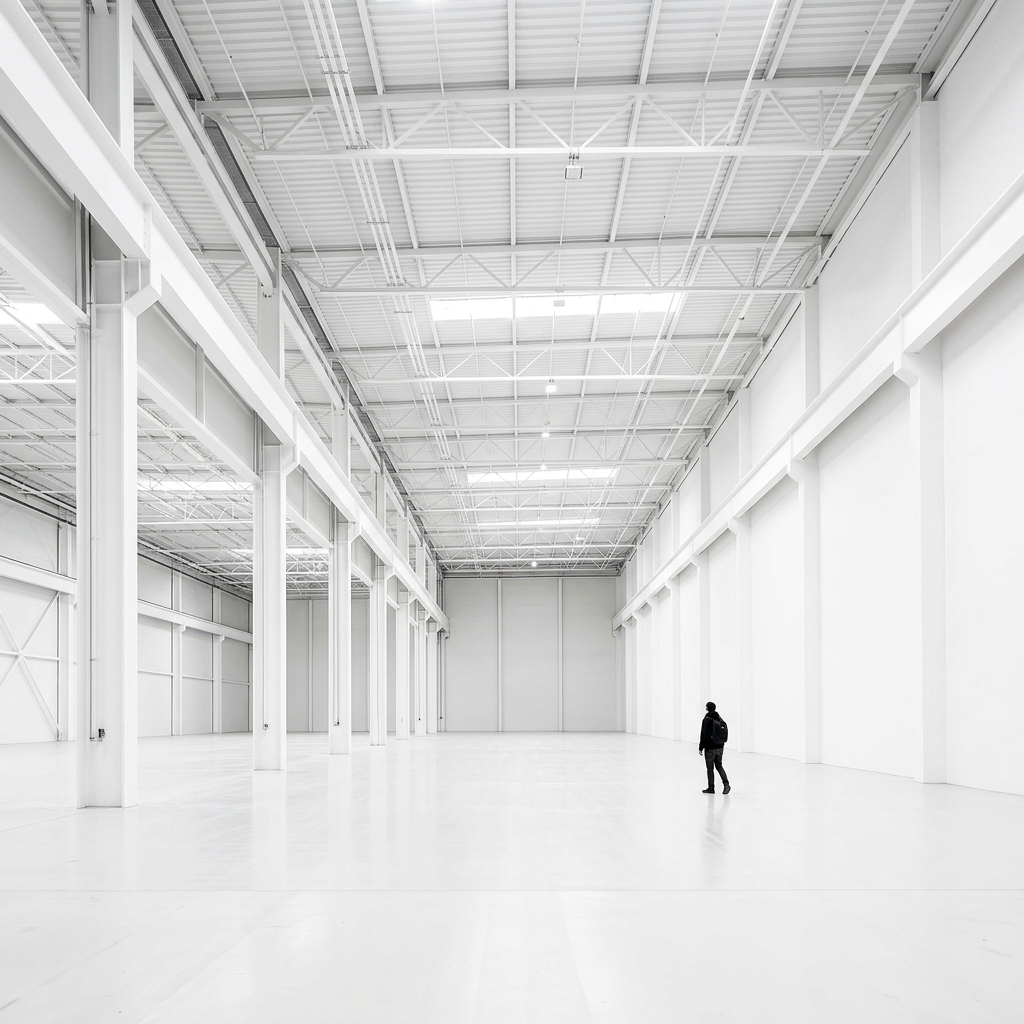
The Tiny Subject
Minimalism
Make the subject incredibly small to emphasize the vastness of the environment or the insignificance of the object.
- Subject takes up less than 5% of the frame
- Massive negative space
- High contrast to ensure the tiny subject is visible
"A tiny person standing in a massive, empty white room."
Restrict the entire thumbnail to just two colors.
- Black and one neon color (e.g., Cyberpunk Yellow)
- High contrast graphics
- Removes visual clutter instantly
"A black silhouette of a car on a pure neon green background."
The Faceless Mystery
Minimalism
Intentionally crop out the face to create a sense of anonymity or mystery.
- Crop exactly at the neck or eyes
- Focus on hands or body language
- Subject holding something important
"A person in a suit, head cropped off, holding a glowing red briefcase."
Treat the thumbnail like a massive, clickable app icon.
- Perfectly centered 3D graphic
- Soft, rounded edges
- Gradients and soft shadows
"A massive 3D rendering of the YouTube play button, glowing."
The Motion Blur
Emotion & Faces
Imply extreme speed or chaos by heavily blurring the background while keeping the subject sharp.
- Radial or directional motion blur on background
- Subject in sharp focus
- Subject leaning forward or falling
"Creator running, background completely blurred into streaks of color."
The Point of Impact
Story & Narrative
Freeze the frame exactly one millisecond before or after a major collision.
- Debris flying towards the camera
- Subject bracing for impact
- High shutter speed look
"A watermelon exploding, pieces frozen mid-air."
First-Person POV
Curiosity & Mystery
Put the viewer in the driver's seat to create immediate immersion.
- Hands visible at the bottom of the frame
- Looking down or straight ahead at a threat
- Slight wide-angle/GoPro lens distortion
"POV of holding a steering wheel while looking down a massive cliff."
The Apology/Tears
Emotion & Faces
Vulnerability drives intense morbid curiosity.
- No text at all
- Close up on the face, visible tears
- Raw, unedited lighting (no studio lights)
"Creator sitting on the floor of a dark room, looking down, crying."
The Legal Document
Authority & Proof
Legal trouble implies real-world, high-stakes consequences.
- Holding a piece of paper with "CEASE AND DESIST" or "LAWSUIT"
- Red highlights on the text
- Creator looking worried
"A blurred document with "SUED FOR $1,000,000" clearly visible in red text."
The "Banned" Stamp
Text & Typography
People want to see what they aren't supposed to see.
- Massive red "BANNED" stamp diagonally across the screen
- Blurred background image
- Grungy texture on the stamp
"A blurry video game screenshot with a massive red BANNED stamp over it."
The Bad Photoshop
Curiosity & Mystery
Intentionally bad editing that is so absurd it demands a click.
- Clear, harsh cutouts
- Comically out of proportion elements
- Comic Sans or basic font (used ironically)
"Creator's head poorly photoshopped onto a bodybuilder, holding a tiny car."
The Meme Format
Story & Narrative
Leverage an existing, highly recognizable meme format but adapt it to your niche.
- Use the exact layout of a famous meme
- Replace the text/faces with your subject
- Keep it recognizable instantly
"The "Distracted Boyfriend" meme, but the girlfriend is "HTML" and the other girl is "React"."
The Epic Fail
Story & Narrative
Schadenfreude (pleasure from another's misfortune) is a powerful click driver.
- Show the exact moment a plan goes wrong
- Red X or "FAIL" text
- Exaggerated grimace
"A perfectly baked cake slipping off a plate towards the floor."
Scale Your
Retention Engine
Don't leave your performance to chance. Initialize the full outlier research suite to unlock every hidden signal.